Your Router Is the Slowest Thing You Own
People upgrade to gigabit internet and keep the box the ISP sent in 2019. The bottleneck moved indoors years ago, and no speed test will tell you.
By Asher Zev
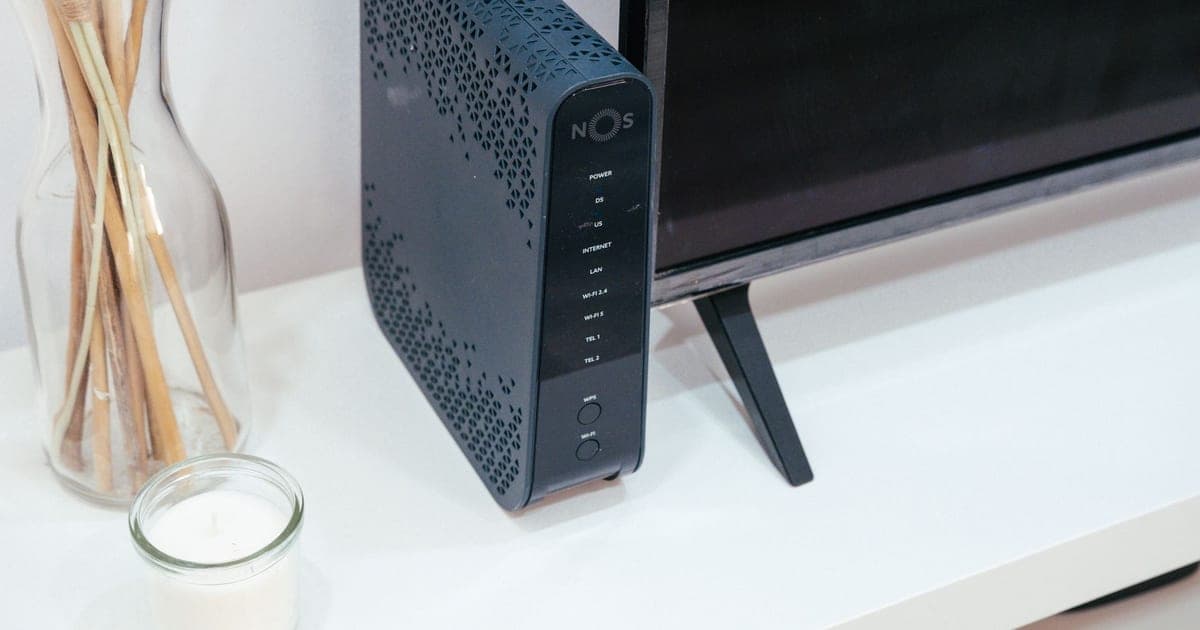
There is a specific kind of frustration where the internet is fine on the sofa and unusable in the bedroom, the speed test says 900 Mbps, and the video call still freezes. It is almost never the connection. It is the box the ISP shipped, sitting where the cable happened to enter the house.
Home networking is the last part of most people's setup running on hardware from two upgrade cycles ago, and it is the part every other device depends on.
Key takeaways
- A speed test measures the path to your router, not the path to your laptop — so it hides the actual bottleneck.
- Placement changes throughput more than any hardware upgrade under $200.
- Mesh solves coverage, not capacity; wired backhaul is what makes it work.
Why the speed test lies
Run a speed test on your phone and it reports the throughput between that phone and a server on the internet. If it says 900 Mbps, the whole chain worked at that moment, in that spot.
What it cannot tell you is how much of the shortfall elsewhere in the house is the router's fault, because it never isolates the segments. A 300 Mbps result in a bedroom could be an ISP problem, a Wi-Fi problem, interference from a neighbor, or a laptop with a two-stream radio that cannot go faster.
The diagnostic that actually works takes five minutes and no equipment: run the test twice, once standing next to the router and once where the problem is. If the first is fast and the second is not, the internet connection is fine and everything after this sentence applies. If both are slow, call the ISP.
Placement beats hardware
The single largest improvement available to most households costs nothing.
Wi-Fi is radio, and radio is attenuated by mass. A router inside a media cabinet, behind a television, on the floor, in the corner of a house where the cable enters, is fighting physics on four separate counts. Moving it to something like head height, in the open, near the middle of the living space, routinely doubles throughput at the far end of a home.
The reason almost nobody does this is that the router lives where the coax or fibre enters the building, and that is usually a corner. The fix is a longer cable from the modem to the router, which costs $15 and is the highest-return networking purchase available.
Three things that matter more than they sound:
- Height. Signal propagates down and out more readily than up. A router on a shelf beats a router on the floor by a wide margin.
- Water. A fish tank, a boiler, a bathroom, or a wall of people in a room are all significant absorbers at 5GHz and above.
- Metal and mirrors. A radiator or a large mirror between the router and the device reflects rather than passes.
What the standards actually change
Wi-Fi 6 (802.11ax) was a capacity upgrade, not a speed one. Its real feature is handling many devices at once without each one slowing the others, which matters far more in a household of thirty connected things than a higher headline rate.
Wi-Fi 6E added the 6GHz band. This is genuinely significant, because the band is empty — no legacy devices, no neighbors' networks, none of the congestion that makes 2.4GHz nearly useless in an apartment building. It has less range through walls, which is a real trade.
Wi-Fi 7 adds wider channels and lets a device use several bands at once. In a dense apartment it helps; in a detached house it mostly does not, and it requires client devices that support it before any of it applies.
The honest summary: if your router predates Wi-Fi 6, upgrading is worth it. If it is Wi-Fi 6 and the problem is coverage rather than capacity, a new router will not fix it and mesh might.
Mesh, and the part people get wrong
Mesh systems place several units around a home so a device always has a nearby radio. They genuinely solve dead zones.
The mistake is assuming the nodes talk to each other for free. In a standard wireless mesh, the link between nodes uses the same airtime as the link to your laptop — so a device connected through a satellite node can lose roughly half its throughput, and a second hop halves it again.
Wired backhaul fixes this completely. Running Ethernet to each node — or using the coax or powerline already in the walls — means the inter-node link costs no airtime at all. A mesh with wired backhaul is a genuinely different product from the same mesh without it, and it is the difference between a good result and a disappointing one.
What I would actually buy
For most homes: a two- or three-node mesh with wired backhaul. The eero Pro 7 is the least demanding version of this — setup is genuinely five minutes, it handles band steering without configuration, and it takes Ethernet backhaul when you can provide it. The trade is that it hides almost every setting, which is fine right up until you want one.
For anyone who will read a manual: the UniFi Express. Roughly half the price, materially better hardware for the money, a real management interface, and no subscription for features that should not need one. It expects you to think about your network. If that sounds like a chore, buy the eero.
If the problem is one dead room, do not buy a mesh. Run one Ethernet cable to that room and put a cheap access point on the end of it. It costs a fraction as much and works better than any wireless solution.
What to check before you buy
- Whether you can run Ethernet between node locations. This decides everything else.
- The number of devices, not the square footage. Capacity and coverage are different problems.
- Whether your devices support 6GHz. A 6E router with no 6E clients is a Wi-Fi 6 router.
- Subscription requirements for features the listing implies are included.
- Whether your ISP box can run in bridge mode, so you are not running two routers and double NAT.